vSeeBox V5 Pro vs V6: Should You Upgrade?
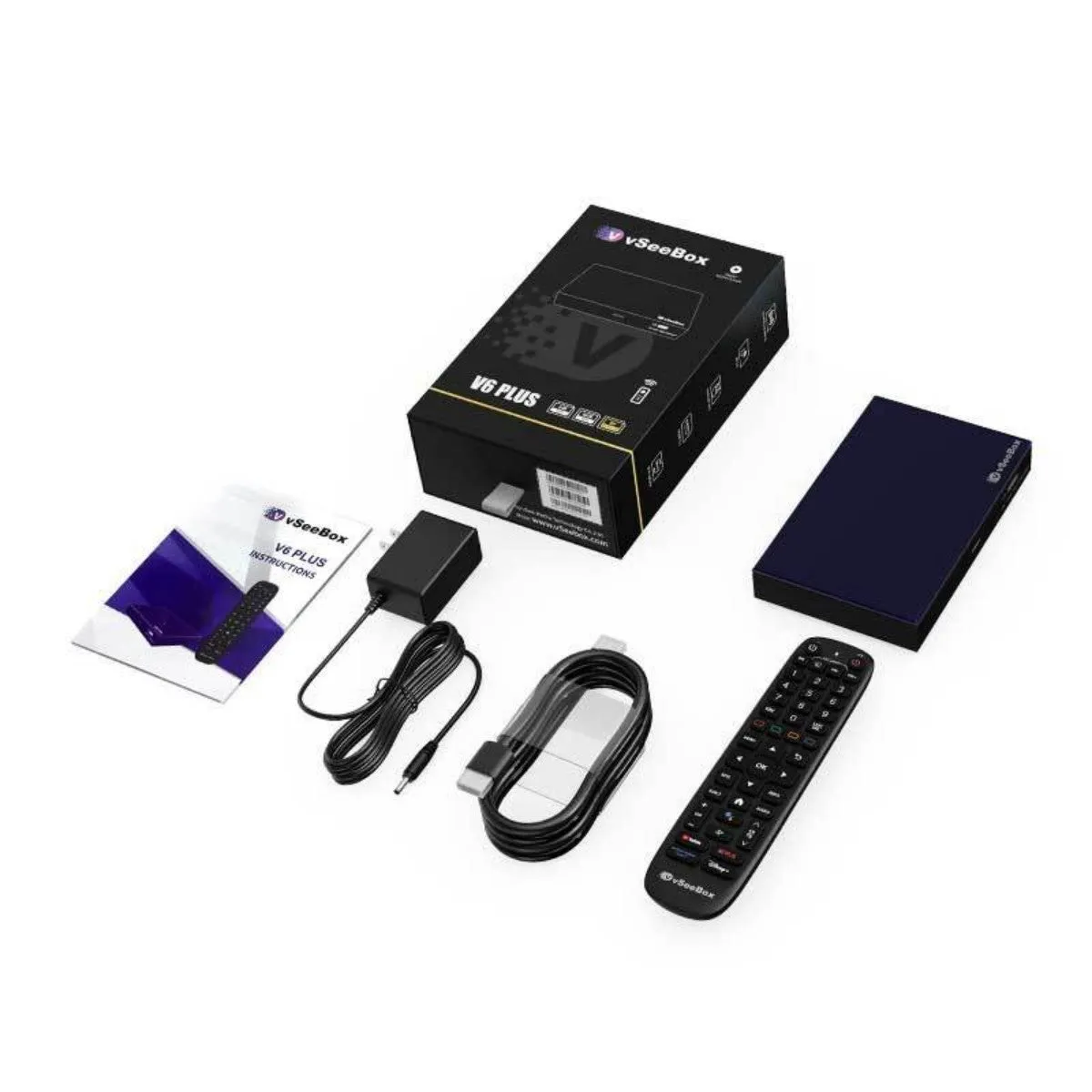
The vSeeBox V5 Pro was a popular box, and many homes still use one. The V6 Pro is its direct 2026 successor, and the V6 Max and V6 Plus sit above it with more storage and faster Amlogic chipsets.
The V6 Plus is the top of the vSeeBox V6 line — the newest chipset, the most storage and the only V6 with split screen. This guide sticks to the published V6 specifications so you can decide whether an upgrade is worth it for your TV — or whether your V5 Pro should move to a second room.
The short answer
If your V5 Pro still does everything you want, there is no rush. Upgrade if menus feel slow, apps have stopped updating smoothly, your WiFi struggles, or you want a box with 8K decoding and more storage for apps. A common approach is to put a new V6 on the main TV and move the V5 Pro to a bedroom. If you want the most capable box in the V6 line, the V6 Plus is the top model.
What every V6 model gives you
- Android 14 with 4GB of DDR3 RAM
- Dual-band WiFi 6 for steadier streaming on busy home networks
- Gigabit Ethernet for a wired connection
- H.265 10-bit HDR decoding
- A Bluetooth remote with Google Assistant voice control
- Free tracked US shipping, a 1-year hardware warranty and 30-day returns from Vseebox Wave
V6 Pro vs V6 Max vs V6 Plus at a glance
| V6 Pro | V6 Max | V6 Plus | |
|---|---|---|---|
| Price | $359 | $349 (was $369) | $389 |
| Chipset | Allwinner H618 | Amlogic 905Y4 | Amlogic 905Y5 |
| RAM / storage | 4GB / 32GB | 4GB / 64GB | 4GB / 64GB |
| Top decoding | H.265 10-bit HDR | 8K@60fps, AV1 | 8K@60fps HDR10 |
| Remote | Bluetooth voice remote | Backlit Bluetooth voice remote | Backlit Bluetooth remote |
| Split screen | No | No | Yes |
Which V6 is the right upgrade from a V5 Pro?
- V6 Plus ($389, or $349 with code FAM40): the top of the vSeeBox V6 line. The newest Amlogic 905Y5 chipset, 64GB of storage, 8K@60fps HDR10 decoding, and the only V6 with split screen. Pick it if you want the most capable box we sell.
- V6 Pro ($359): the direct successor to the V5 Pro. Pick it if you want the same familiar box, updated to Android 14 and WiFi 6, with a USB 3.0 port.
- V6 Max ($349, was $369): double the V6 Pro's storage, an Amlogic chipset and 8K decoding at a lower price than the V6 Plus.
What happens to your old V5 Pro?
Nothing forces you to retire it. Your V5 Pro keeps working on its own TV and its own remote, so moving it to a bedroom, kitchen or basement TV is an easy way to get two streaming TVs in the house. Your new V6 sets up separately with its own remote over Bluetooth.
Buying your upgrade safely
Vseebox Wave is an Authorized Retailer of vSeeBox products (certificate VAD250972, verifiable at vseebox.com/verification). Every box ships free with tracking within the US and is covered by a 1-year hardware warranty. Prefer to talk it through? Call us at 800-320-0625.
Frequently asked questions
- What replaced the vSeeBox V5 Pro?
- The vSeeBox V6 Pro is the 2026 upgrade of the V5 Pro. The V6 Max and V6 Plus are higher models in the same V6 line.
- Is it worth upgrading from a V5 Pro to a V6?
- It is worth it if you want Android 14, WiFi 6, more storage or 8K decoding. If your V5 Pro still works well, you can keep it and use it on a second TV.
- Which vSeeBox V6 is the top of the line?
- The vSeeBox V6 Plus is the top of the vSeeBox V6 line. It has the newest Amlogic 905Y5 chipset, 64GB of storage, 8K@60fps HDR10 decoding and split screen, which the other V6 models do not offer.
- Which V6 is the best value upgrade?
- The V6 Plus is the most capable box in the line at $389, or $349 with code FAM40. If you want to spend less, the V6 Max is currently $349 (was $369) and has 64GB of storage and 8K decoding.
- Can I keep using my V5 Pro after I upgrade?
- Yes. Each box works on its own with its own remote, so many owners move the V5 Pro to another TV.