vSeeBox vs Streaming Sticks and Built-In Smart TV Apps
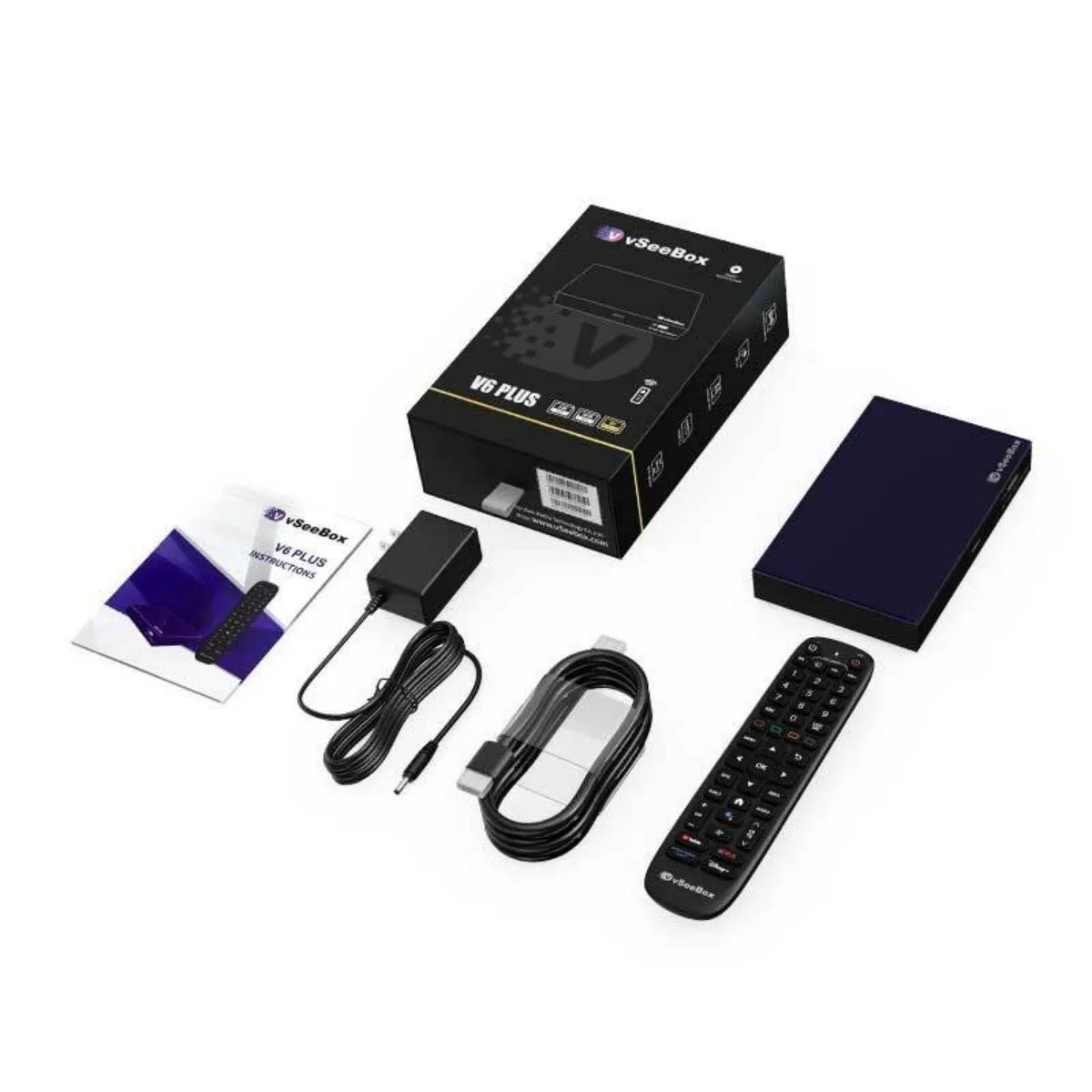
Almost every TV sold today has streaming apps built in, and streaming sticks cost a fraction of a vSeeBox. So why buy a dedicated Android box? The honest answer is hardware headroom and openness — and neither matters to everyone.
Where a vSeeBox V6 pulls ahead
- Memory: 4GB of RAM and 32–64GB of eMMC storage, far beyond typical entry-level sticks that quickly run out of app space
- Full Android 14, not a locked-down stick OS — you install what you want from the Play Store
- Wired networking: gigabit Ethernet on the V6 Plus and V6 Pro, which sticks generally omit entirely
- Expandable storage over USB, up to 2TB
- Decoding headroom: up to 8K@60fps with HDR10 on the Plus and Max, AV1 and VP9 on the Max
- Bluetooth 5.0 for headphones, controllers and keyboards
- Split screen on the V6 Plus for watching two things at once
Where a stick or your TV's own apps are fine
If you watch one or two mainstream apps in 1080p on a secondary TV, a cheap stick does that job. The same is true of your TV's built-in interface if it still feels responsive and gets app updates.
The complaints that push people to a V6 are usually the same three: the interface got slow, storage filled up, and an app they wanted was not available.
Side-by-side at a glance
| Typical budget stick | Built-in smart TV apps | vSeeBox V6 | |
|---|---|---|---|
| RAM | 1–2GB | Varies, often shared | 4GB DDR3 |
| Storage | 8–16GB | Not expandable | 32–64GB eMMC + USB up to 2TB |
| OS | Vendor stick OS | Vendor TV OS | Android 14 with OTA updates |
| Wired network | Rare | Sometimes | Gigabit (Plus / Pro) |
| WiFi | WiFi 5 common | Varies | WiFi 6 dual-band |
| App freedom | Curated store | Most limited | Full Android ecosystem |
| Upgradeable | Replace device | Tied to the TV | Add storage, keep the box |
The upgrade path that makes sense
A V6 keeps working when you change TVs, which is the opposite of relying on your television's built-in software. Buy the box once, move it to the next screen, and the experience stays the same.
All three V6 models ship from Vseebox Wave with the full manufacturer warranty and free tracked US delivery.
Frequently asked questions
- Is a vSeeBox better than a streaming stick?
- For heavy use it has clear hardware advantages: 4GB RAM, 32–64GB storage, WiFi 6, gigabit Ethernet on two models, and full Android 14. For light 1080p viewing on a spare TV, a stick is adequate.
- Can I still use my TV's own apps?
- Yes. The vSeeBox connects over HDMI as a separate input, so your TV's built-in apps remain available.
- Do I need a new TV to use a vSeeBox?
- No. Any TV with an HDMI port works. A 4K HDR TV lets you take advantage of the higher-end decoding.