vSeeBox Not Working? 8 Quick Fixes for Buffering, WiFi and Setup
5 min readUpdated September 25, 2026By the Vseebox Wave team
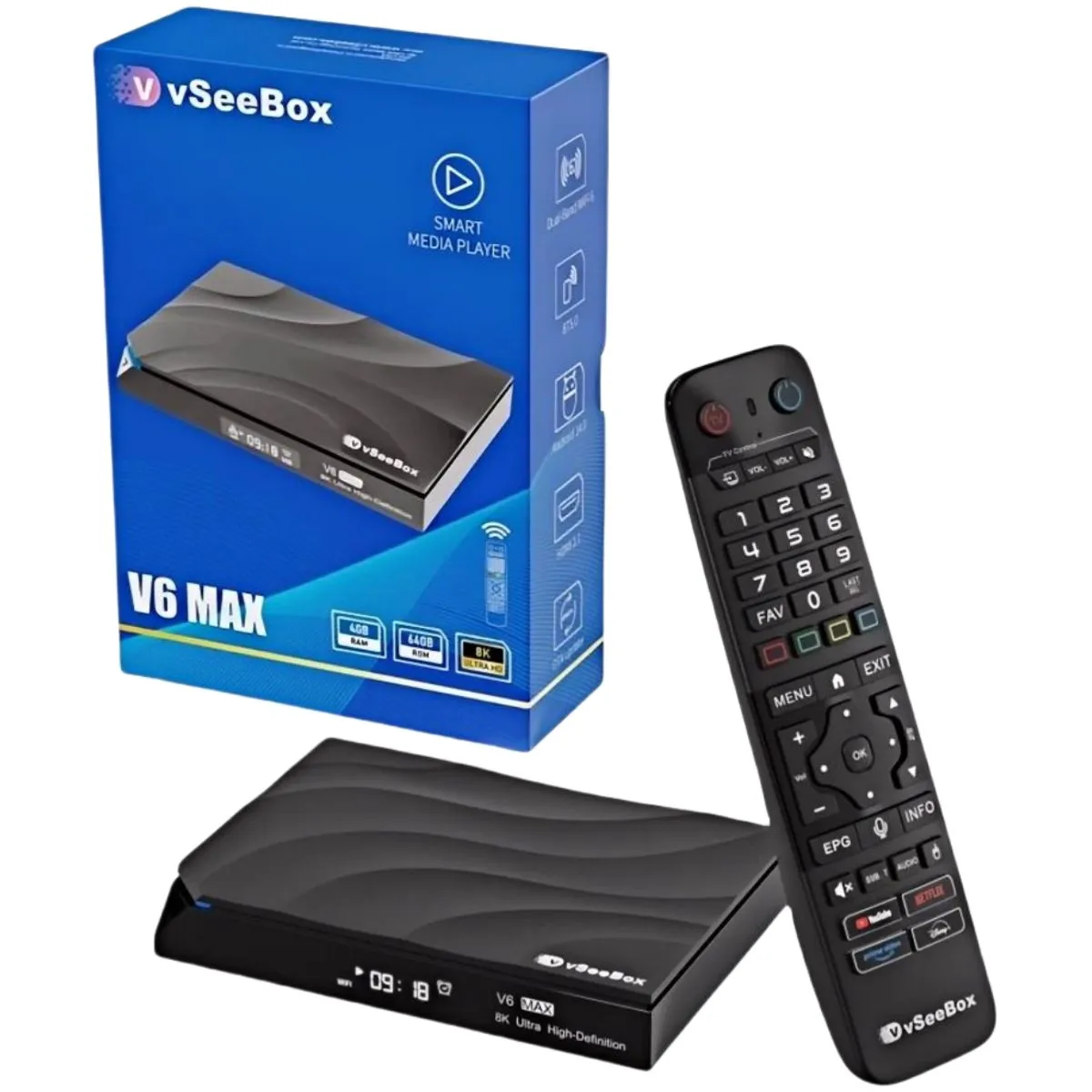
Most vSeeBox problems come down to the connection, the HDMI cable or the remote. Work through these fixes in order — most take under a minute.
8 quick fixes
- Restart: unplug the vSeeBox for 30 seconds and plug it back in
- No picture: reseat the HDMI cable and pick the right HDMI input on your TV
- Buffering: use Ethernet if possible, or move the router closer
- WiFi drops: switch to the 5GHz band in Settings → Network
- Remote not responding: replace batteries and re-pair it
- App freezing: clear the app's cache in Settings → Apps
- Update: check Settings → System → Updates
- Last resort: factory reset from Settings → System → Reset
Still stuck?
Every box from Vseebox Wave has a 1-year full hardware warranty. Call or text 800-320-0625 and our US team will help.
Frequently asked questions
- Why does my vSeeBox keep buffering?
- Usually a weak connection. Use Ethernet or 5GHz WiFi and restart the box and router.
- How do I reset a vSeeBox?
- Go to Settings → System → Reset. This erases apps and settings, so try a restart first.